Your wifi,
in plain words.

How good is the wifi right where you’re standing? WIIFII tells you with one number, one word and one colour, then helps you find the weak spots and fix them.

Coming soon to Google Play
Free for Android. No ads, no accounts, no trackers.
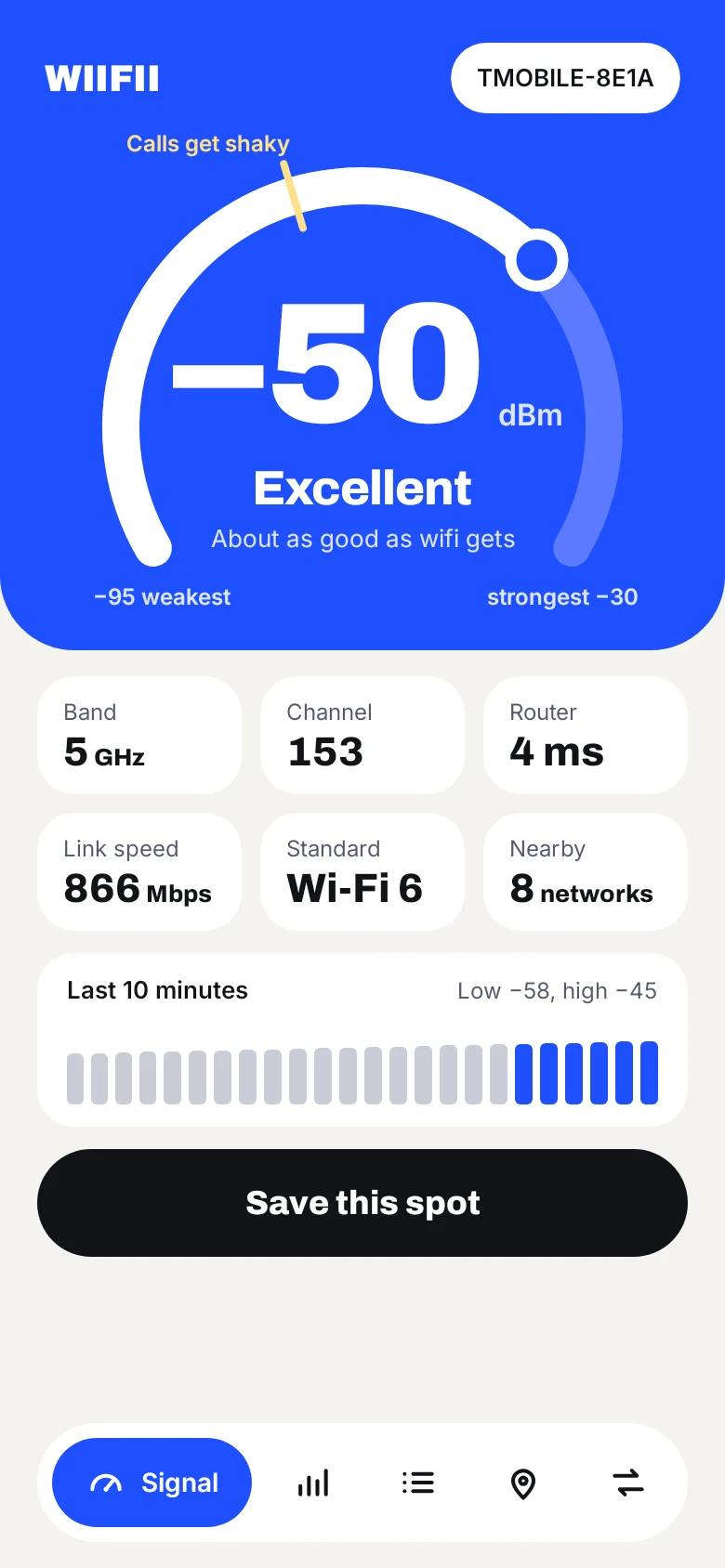
WIIFII's Signal screen: a big ring gauge reading −50 dBm, Excellent, with band, channel, router time and link speed below.
−55Strong. Fine for anything.
−64Good. Reliable for calls.
−71Weak. Video may stutter.
−81Very weak. Expect dropouts.

Watch it change as you walk.

The whole screen turns blue, green, yellow or red as the signal moves, and the point where video calls get shaky is marked on the ring.

Band, channel, link speed, Wi-Fi generation, and how fast your router is answering, all at a glance.
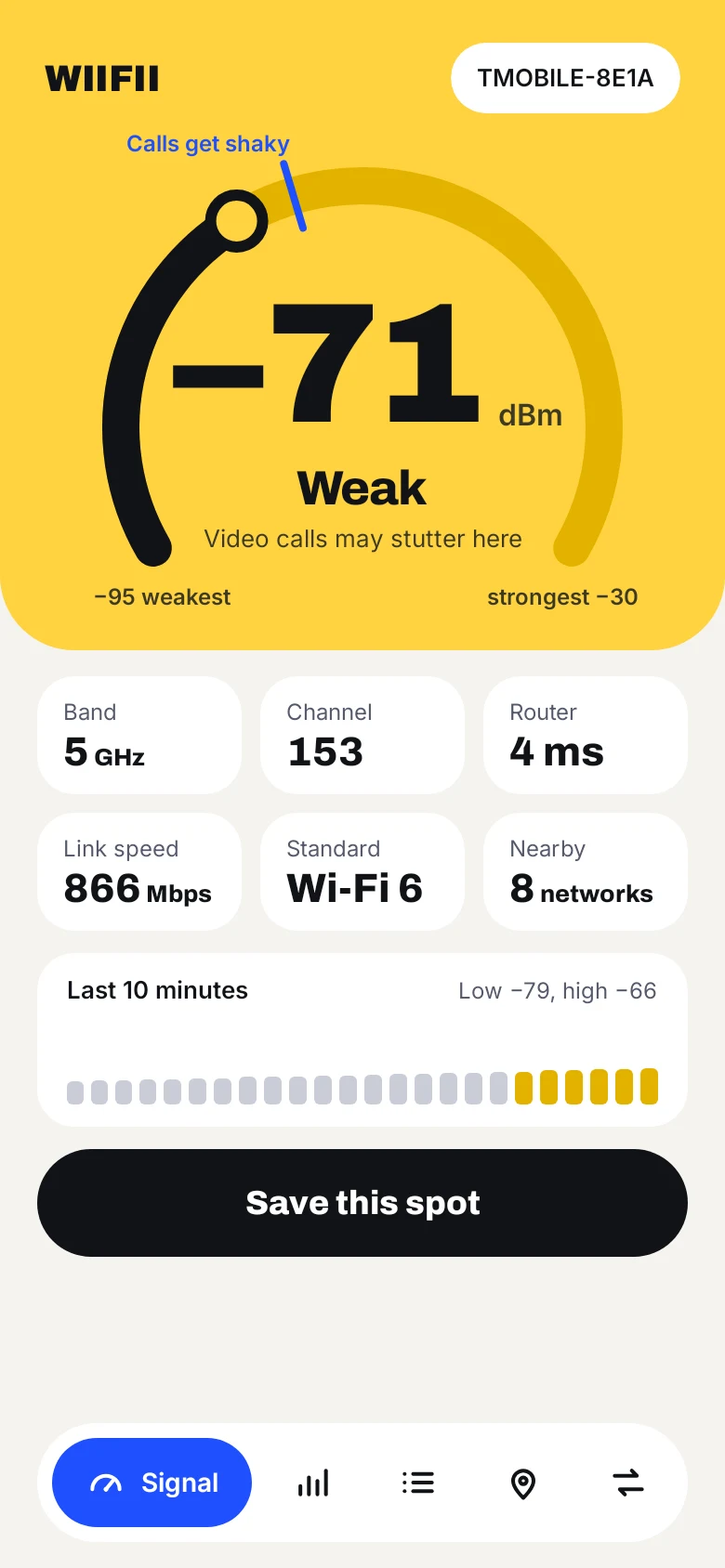
The Signal screen in yellow, reading −71 dBm, Weak.

Compare every room.

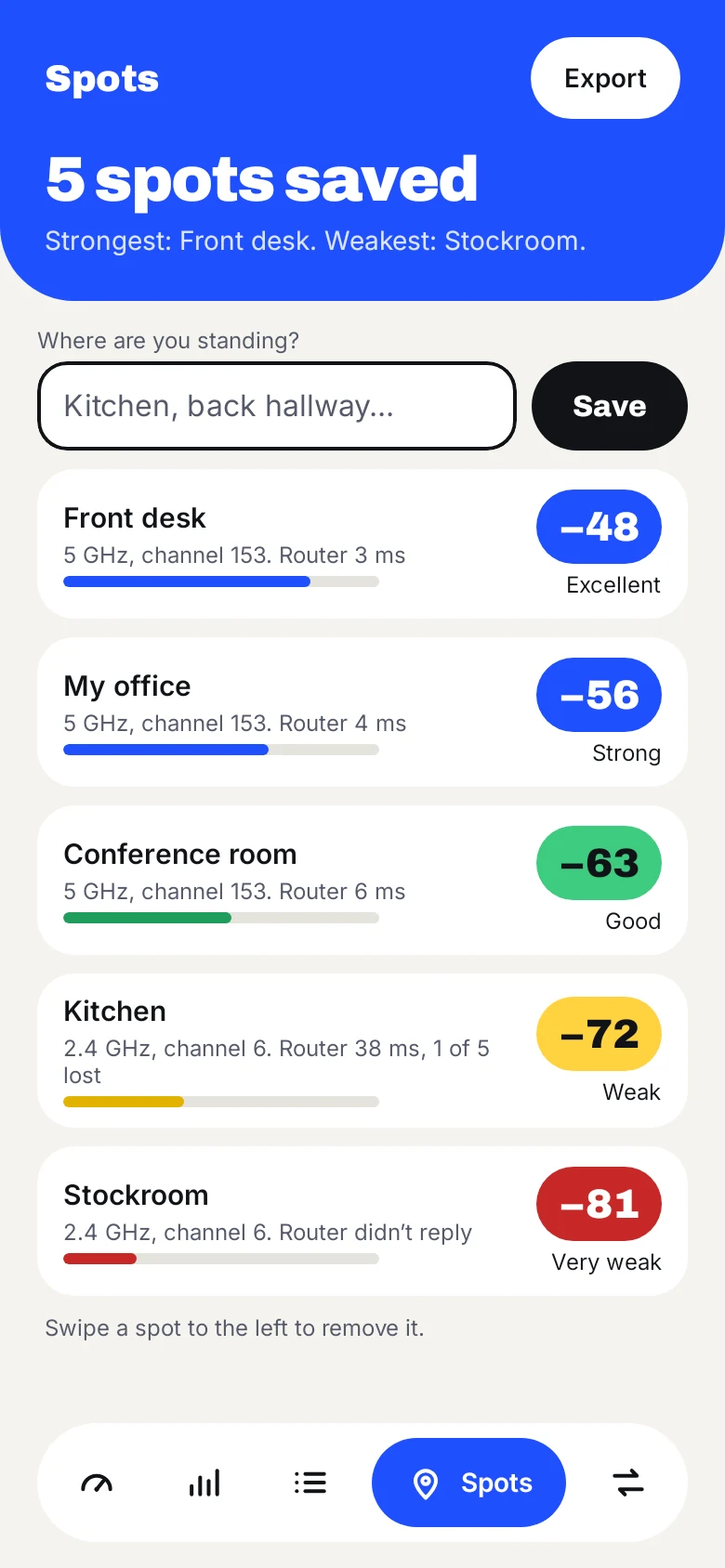
Stand somewhere, name it, save. WIIFII times your router too, then ranks every spot from strongest to weakest.

Export it all as a spreadsheet to plan where a mesh point or extender should go.

The Spots screen listing five rooms from Front desk at −48 to Stockroom at −81.
Not secure

Spot unsafe networks.

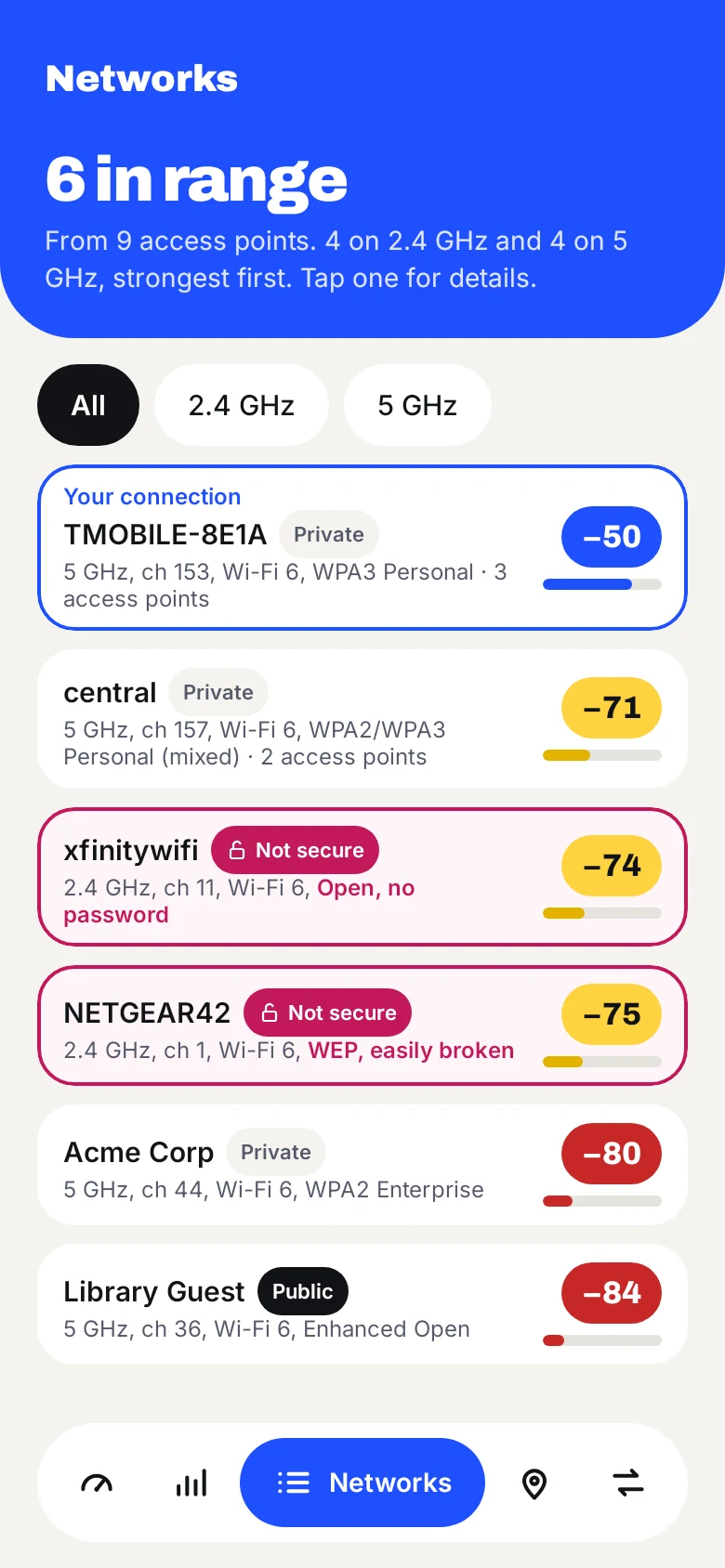
Every network in range, grouped by name, with its security, Wi-Fi generation and access point maker. Open networks and old, breakable security are clearly marked.

Tap any network for the details, including whether your own connection actually reaches the internet.

The Networks screen, with two networks marked Not secure in magenta.

Find a quieter channel.

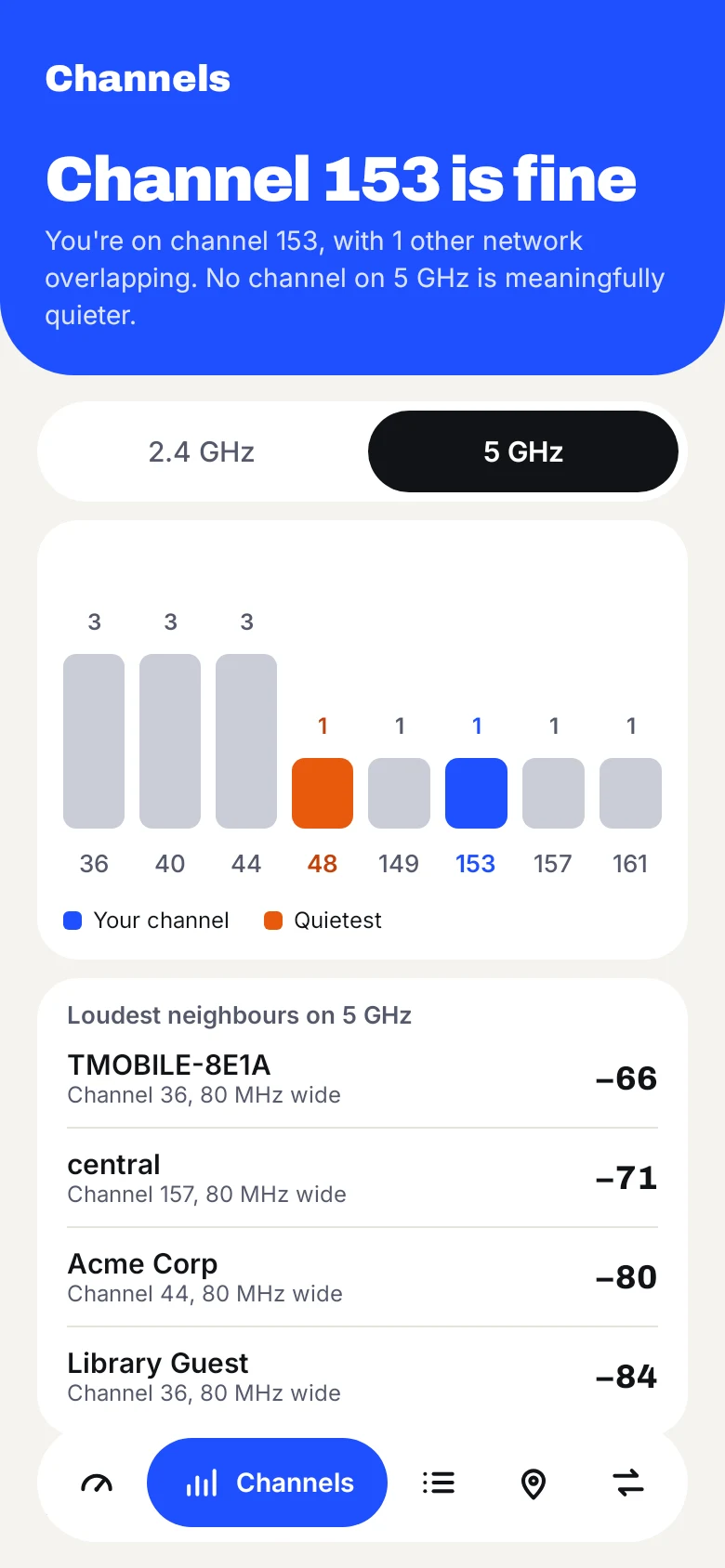
See how crowded each channel is on 2.4 and 5 GHz, which one you’re on, and whether switching would help.

The Channels screen with a bar chart of networks per channel.

Watch your phone roam.

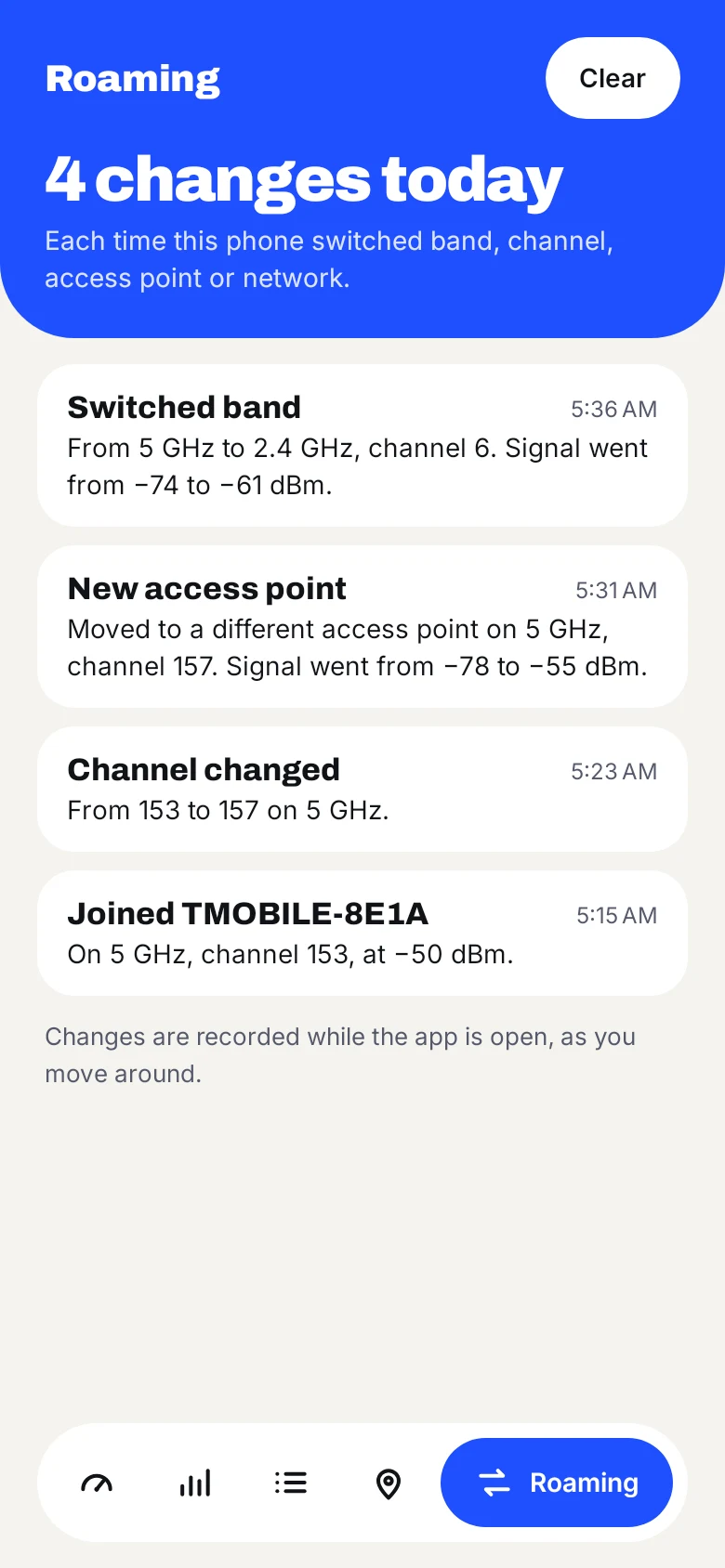
A log of every time your phone switches band, channel or access point as you move around, with the signal before and after.

And a home-screen widget, for a glance without opening the app.

The Roaming screen listing four changes today.

Nothing leaves your phone.

WIIFII reads your wifi on the phone and keeps everything there. It never sends your data anywhere: not to us, not to anyone.

Read the privacy policy

Questions

Is WIIFII free?

Yes. Every feature is free, with no ads.

Why does it ask for location?

Android only lets apps see wifi network names and the list of nearby networks if they have location permission. WIIFII uses it only for that and never records where you are. The signal reading works without it.

What does the number mean?

It’s the signal strength in dBm. Closer to zero is stronger: around −50 is excellent, −67 is where video calls start to struggle, and −80 is very weak.

Does it test my internet speed?

No. WIIFII measures the wifi between your phone and your router, which is usually what changes from room to room. It also times how quickly your router answers, and tells you whether your connection is reaching the internet.

Is there an iPhone version?

Not at the moment. Apple doesn’t let apps read wifi signal strength in the same way.

Which phones does it work on?

Android 7 and later. Some details, such as link speeds and your connection’s exact security type, need newer versions of Android.